
What gets automated
Building a compliance matrix by hand means reading every page, copying requirements into rows, and manually tracking status. Automation handles the extraction and structure so your team focuses on review and response.
- Parse: Read the solicitation and attachments, identify requirements, instructions, and evaluation criteria.
- Extract: Pull each item with its source ID, category, and text.
- Generate: Produce a structured matrix with columns for requirement, proposal section, owner, and status.
- Sync: Update the matrix when the outline changes, drafts are added, or amendments arrive.
- Flag: Highlight unaddressed requirements before review milestones.
When to automate vs. build manually
| Situation | Approach |
|---|---|
| Small commercial RFP, under 50 requirements | Manual spreadsheet is fine |
| Federal solicitation, 100+ requirements, multiple attachments | Automation saves days |
| Active pipeline with 3+ concurrent pursuits | Automation prevents matrix drift |
| Amendment-heavy pursuit | Automation tracks diffs |
How automation fits the shred workflow
Compliance matrix automation is the output step of an RFP shred. The shred breaks the document apart. Automation structures what you found.
Upload the solicitation
Load the RFP, attachments, and any amendments into the platform.
Review extracted requirements
Check the parsed output against the source. Verify Section L instructions, Section M factors, and technical requirements are captured with correct IDs.
Map to your outline
Assign proposal sections and owners. The outline should mirror Section L's volume structure.
Draft against the matrix
Section owners write to their assigned rows. Status updates flow back to the matrix in real time.
Gap check before review
Run an automated gap report. Every row should be complete or explicitly waived with approver sign-off.
Automation vs. the manual compliance matrix
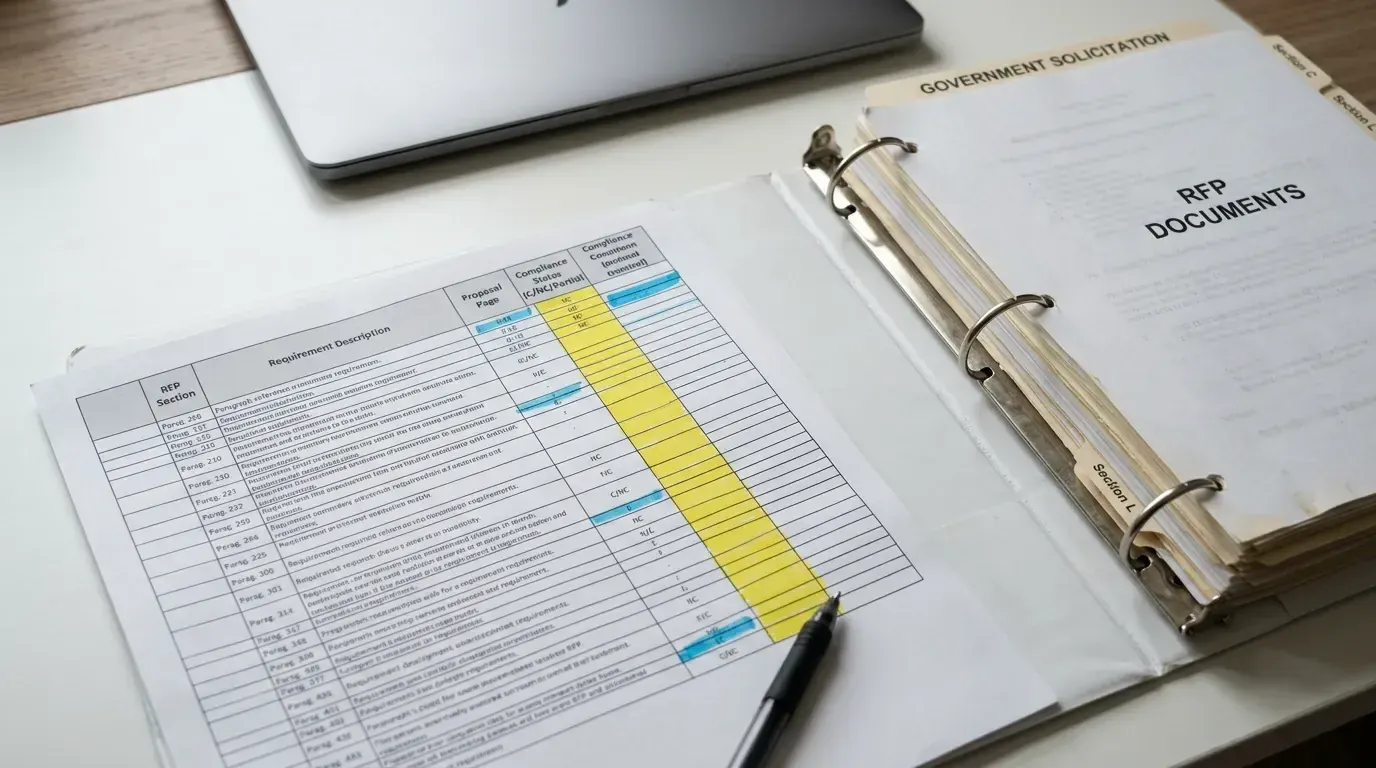
This guide covers the automated approach. For the fundamentals of what a matrix is and how to build one by hand, see what is a compliance matrix. Most teams use automation for complex federal pursuits and keep manual matrices for smaller commercial work.
What to verify in automated output
Automation is fast but not infallible. After extraction, check for:
- Cross-references: Requirements that point to other attachments or sections. The parser may miss these if they use "see Section C.2" without repeating the text.
- Tables and exhibits: Requirements embedded in tables or figures sometimes need manual entry.
- Amendment overrides: Changed language should replace, not duplicate, the original row.
- Section L formatting rules: Page limits and font requirements are easy to miss if the parser focuses on technical specs.
A 30-minute human review after automated extraction prevents days of rework during pink-team review.